Overview
Chinese OnePlus 15 models ship with ColorOS and regional locks. This guide covers unlocking the region/SIM and flashing the global OxygenOS ROM.
Step 1: Regional SIM Unlock
Official Method
Request a remote unlock through OnePlus support:
- Use the 一加社区 (OnePlus Community) app
- Request region unlock in Remote diagnostics
- Receive unlock code and apply remotely
Verify Region Status
Check region code (should return 2):
*#*#3932433284#*#*
IMEI verification: https://support.oppo.com/cn/check/
Step 2: Bootloader Unlock
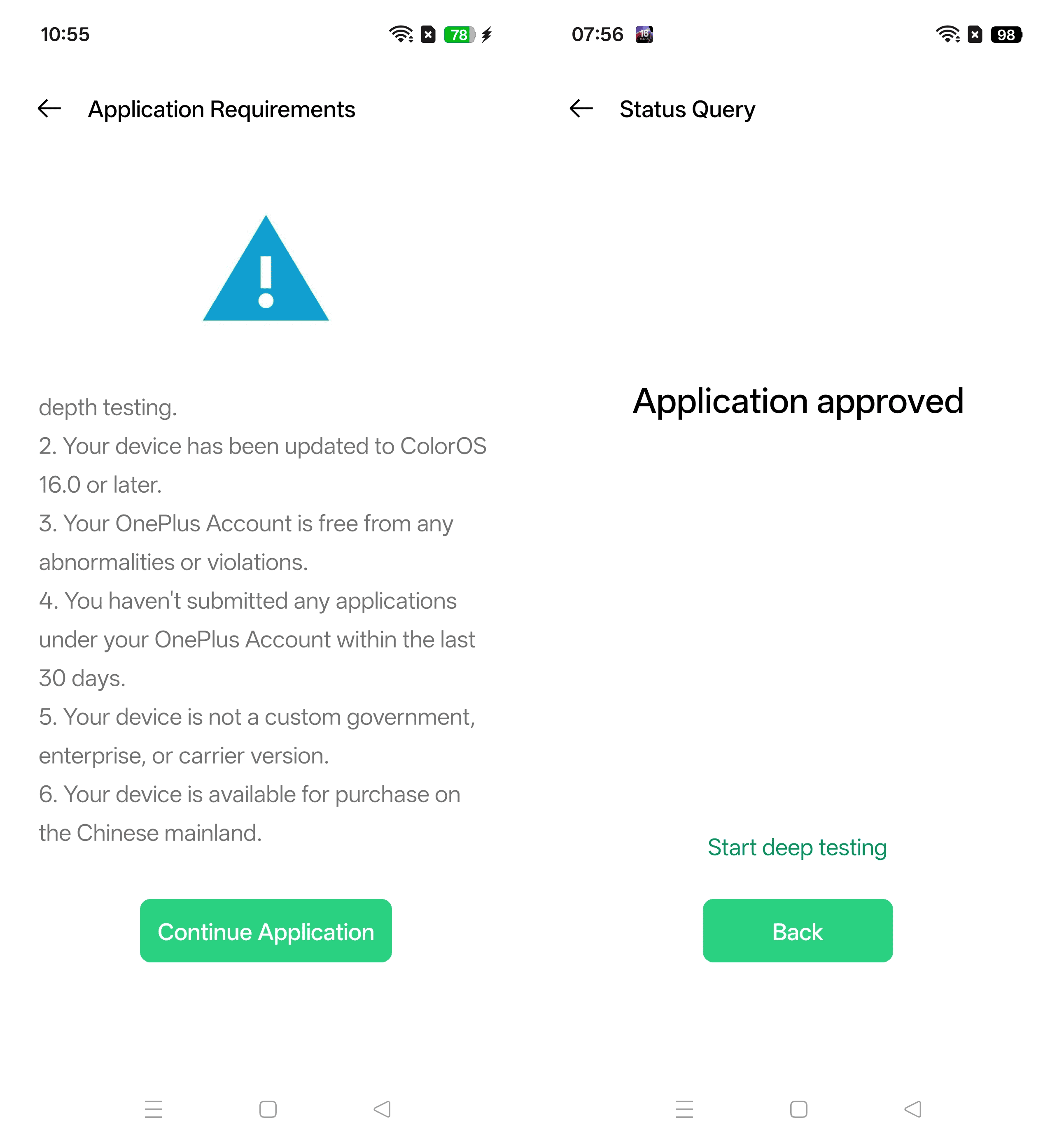
Enable Deep Testing
Download the deep test APK to enable OEM unlock:
- https://bbs.oneplus.com/thread/1926504022886318086
- https://bbsstatic.oneplus.com/public/apk/%E6%B7%B1%E5%BA%A6%E6%B5%8B%E8%AF%95.apk
Wait 1-2 days for deep testing approval.
Unlock Bootloader
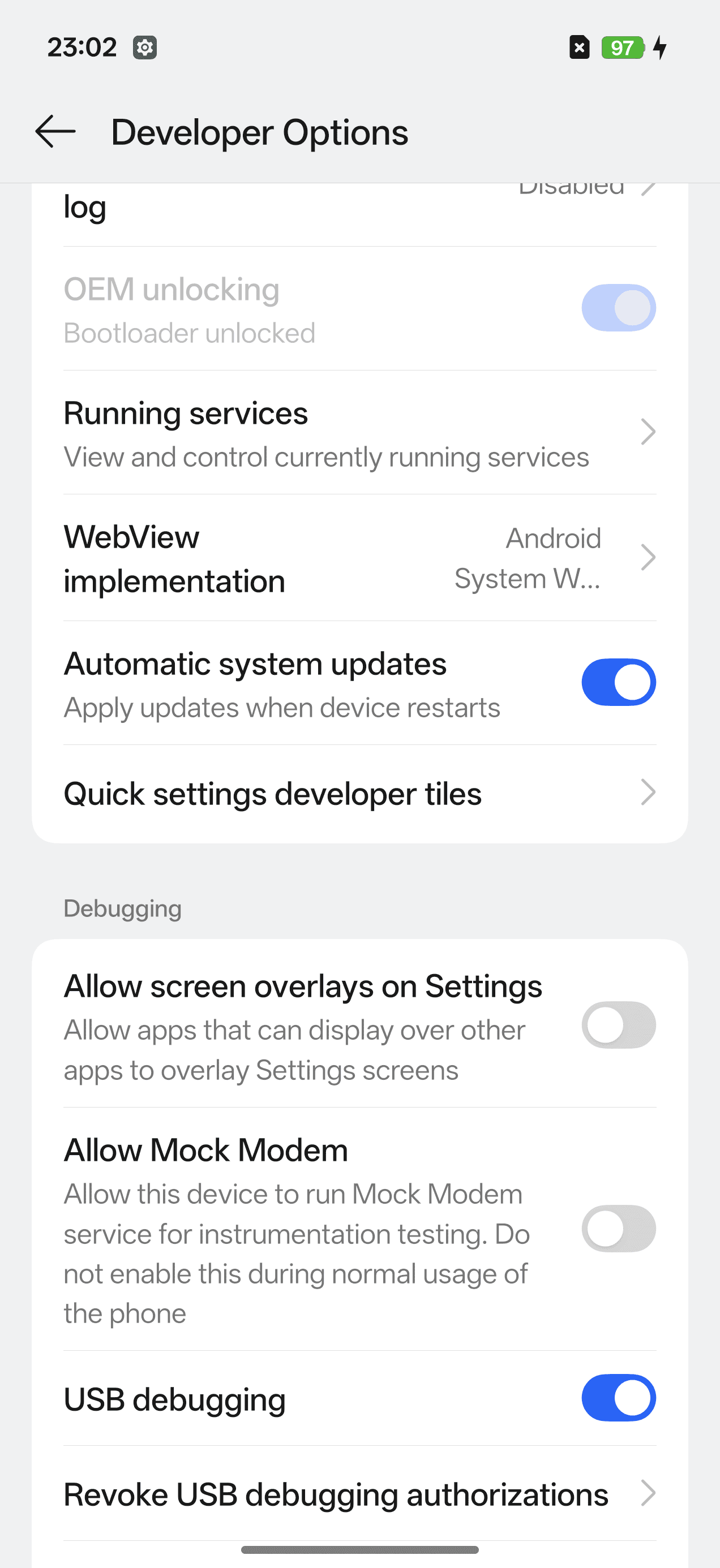
⚠️ Warning: Locking and Unlocking booloader will wipe all device data
adb reboot bootloader
fastboot flashing unlock
Step 3: Flash OxygenOS ROM
- Download and unzip the global ROM
- On macOS: ensure Android Platform Tools is installed and update fastboot path in
./Super_Flasher.shfile - Reboot to bootloader and run flasher:
adb reboot bootloader
./Super_Flasher.sh
In Fastbootd: Select English → Continue script (skip format/reboot prompts on device)
When prompted: Format data? → yes
Step 4: Lock Bootloader
Sync OTA updates twice before re-locking:

adb reboot bootloader
fastboot flashing lock
Resources
- XDA Forums Discussion
- DroidWin Flashing Guide
- YouTube Tutorial
- Community feedback: Facebook groups 1 2